

Coursebox is an AI course creator based on LLM.
I’ve worked with over 300 course creators over the past 8 years and a lot of them have a “blank page” problem.
They have all this expertise in their head or maybe even tons of teaching documentation, but they don’t know how to transform that into online course assets.
Coursebox AI promises to help with this by creating:
AI Quiz
AI Video
AI Scenario
AI Image
AI Tutor
You can then either sell and host the course directly in the platform or export it for an external LMS.
I’ve reviewed the tool and these are my thoughts.
Feature Review: What Can Coursebox AI Do
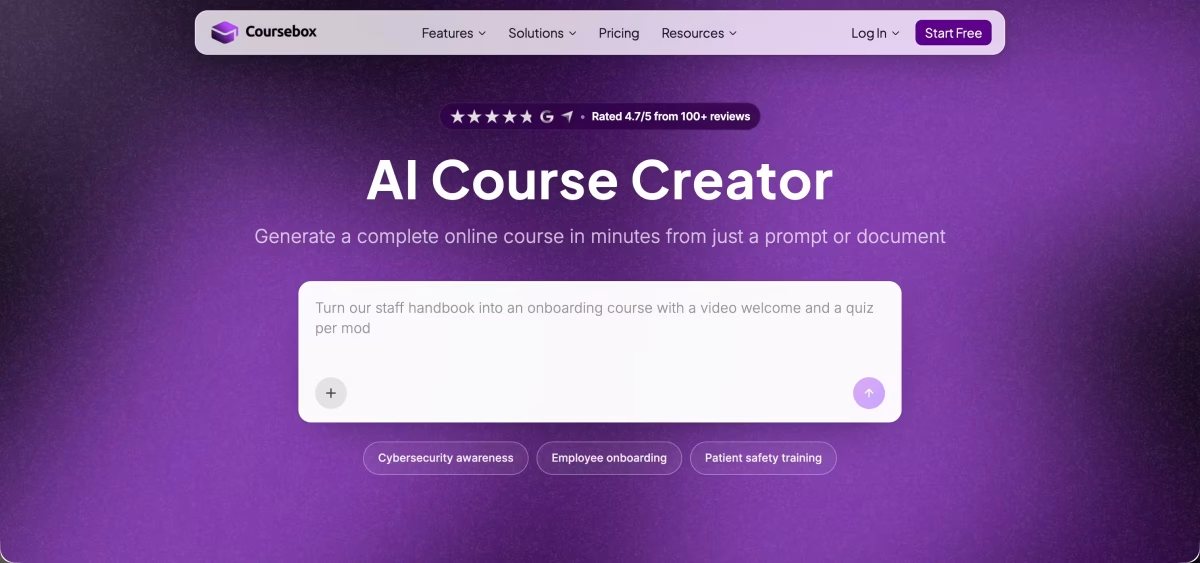
The starting point of using the tool is to prompt the platform to create your course.
That can be text, but also uploading documents to make something that’s based on your material.

This will give you a starting point for the AI-generated course, some basic outline for the course and already a lot of ideas on how to implement engaging learning tools.
Here is an example from a cybersecurity awareness course brief I gave it:

Once you have your base, you can start tweaking: adding sections and modules.
Each module is built in blocks, which there is a large variety of in Coursebox:
- Text
- Interactions
- Assessments
- Multimedia

Some of these are what you’d expect from any LMS out there but there are a lot of really unique ones that seem to really enable an engaging learning experience.
For example you can create Scenarios, using the built-in AI feature to do so.
The goal of these is to put the student in a “real-world” situation where the AI will adapt to their answer and walk them through the example.

This is much more interesting than a stale right/wrong quiz and something a lot of creators of “soft-skilled” courses have been waiting for.
When the answer is not always black or white.
You can also use AI for building a Quiz or Assignment just by describing with natural language.
Here are some other interesting Interaction block available:
Flip Card: making definition and concepts a lot less boring.

Or Hotspot images, which allow you to add notes to an image - very useful for visual learning and concepts.

Overall the learning tools Coursebox AI offers are definitely helping take your course to the next level.
Once you’re happy with the course content, you can either export it for another LMS in PDF, HTML & SCORM or host it directly on the platform.
You’ll need to be on the Pro + LMS for this at $250/month.
You’ll be able to have a custom domain, choose your logo and colors, so they never see Coursebox branding.
For engagement there are points and badges with a leaderboard, a resource library, a calendar, announcements and a Q&A area.
It’s a light version of a community, so if community is central to your offer you’ll want a dedicated tool alongside it.
Overall it’s a capable LMS for structured courses. The marketing side is thin though, and as far as I could find there are no native funnels, upsells or email automations, so most marketing tools connect through Zapier.
Pricing: How Much is Coursebox AI
Coursebox AI has a free plan, three paid plans and a custom Enterprise tier.
Every plan includes unlimited learners, so you never pay per student. What limits you is AI usage, which is measured in credits.
Here is how the plans compare when billed yearly:
| Plan | Price (billed yearly) | AI allowance | What you unlock |
|---|---|---|---|
| Free | $0 | 3 mini courses (5 pages max each), 150 AI page credits, 1 minute of video | Coursebox watermark, 30% commission on sales |
| Creator | $25/month$300/year | 500 page credits/month (about 10 courses), 20 images, 5 minutes of video | Watermark removal, certificates, PDF, HTML and dynamic SCORM export, basic reports, Zapier |
| Pro | $83/month$1,000/year | 7,000 page credits/month, 300 images, 75 minutes of video | Branded portal with your logo and colors, self-hosted SCORM, LTI 1.3, SCORM import |
| Pro + LMS | $250/month$3,000/year | Same as Pro | Your own domain and the full LMS layer: groups, pathways, gamification, advanced reporting |
| Enterprise | Custom | Up to 4.2M page credits/year | Multiple portals, API, SLA, data residency |
Coursebox advertises “2 months free” on yearly billing. If that’s exact, monthly billing would be roughly $30 for Creator, $100 for Pro and $300 for Pro + LMS.

The free plan is enough to test the tool but not much more. You get 3 mini courses, one minute of video and a Coursebox watermark, and any sales you make carry a 30% commission.
Creator at $25/month is the entry point for real use. 500 page credits is about 10 courses a month, and you get certificates, PDF, HTML and dynamic SCORM export and Zapier.
Pro multiplies the AI allowance by 14 and adds a branded portal, self-hosted SCORM and LTI 1.3.
If you only plan to build in Coursebox and host the course somewhere else, you may never need the LMS plan.
Just remember that the dynamic SCORM on Creator only works while your subscription is active. If you want a SCORM file you fully own, you need Pro.
Coursebox AI FAQ
1) Is Coursebox AI free?
Yes, there is a free plan. It includes 3 mini courses of up to 5 pages each and a small AI allowance, but it adds a Coursebox watermark and takes a 30% commission on sales.
Paid plans start at $25/month billed yearly.
2) Can you sell courses on Coursebox AI?
Yes. You can take payments with Stripe, PayPal or Paystack and sell one-time purchases, subscriptions and bundles.
Coursebox takes no commission on paid plans, but I couldn’t find built-in funnels, order bumps or upsells.
3) Can I export Coursebox AI courses to another LMS?
Yes. Creator exports to PDF, HTML and dynamic SCORM, and Pro adds self-hosted SCORM, LTI 1.3 and SCORM import.
Dynamic SCORM stops working if your subscription ends, and self-hosted SCORM leaves out features like the AI tutor and assignments.
4) Is there a limit on the number of learners?
No. Every plan includes unlimited learners. The limit is on the AI credits you use to build content.
5) Is Coursebox AI better than Kajabi?
They do different jobs. Coursebox is better at turning your documents into a finished course, while Kajabi is better at selling it with funnels, email, communities and affiliates.
6) Does Coursebox AI have a mobile app?
Yes, learners can use the Coursebox app on iOS and Android on every plan. A branded app with your own name is an add-on on Pro + LMS and Enterprise, and Coursebox doesn’t publish the price.
7) Does Coursebox AI work in other languages?
It supports creating and delivering courses in multiple languages. Some reviewers say the quality outside English is weaker, and one mentioned Spanish in particular, so have a native speaker check the output.
