


An authoring tool is the software you use to build the course content itself: the lessons, interactions, quizzes, and branching scenarios.
What has changed is the AI layer. Most of these tools can now take a PDF, a slide deck, or a policy manual and produce a first draft of a course, complete with lesson structure, quiz questions, narration, and sometimes an avatar presenter.
One thing to settle before you look at the list. If you sell courses directly to your own audience through a platform like Kajabi or LearnWorlds, you may not need a separate authoring tool at all, since both have AI tools for drafting course content, and LearnWorlds can also host SCORM packages if you build elsewhere.
Authoring tools earn their cost when you need heavy interactivity, need to deliver into a client's or employer's LMS, or produce training at volume.
Most of the tools below were built with corporate training teams in mind, and their pricing reflects that.
1. Articulate 360
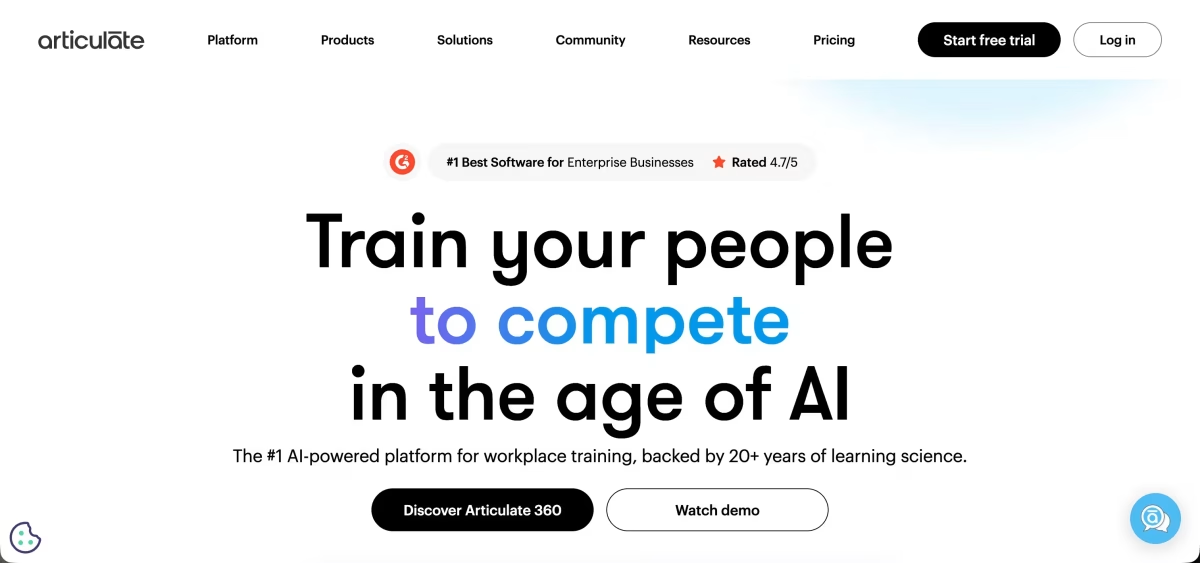
Articulate 360 is the default choice for corporate instructional designers, and it is the most complete package on this list.
One subscription gets you Rise 360, a browser-based builder for responsive, block-based courses, and Storyline 360, a desktop app for custom interactions built on triggers, variables, and layers.
The AI Assistant works inside both, so you can generate a first draft in Rise and still hand-build a complex scenario in Storyline. Keep in mind that Storyline is Windows-only; Mac users need Parallels or a similar setup to run it.
Standout features
Rise 360 AI drafting. Upload a manual or policy document and Rise turns it into structured lessons, flashcards, scenario blocks, and knowledge checks, with inline rewriting for tone and reading level.
Storyline 360 AI tools. Generates quiz banks, images, closed captions, and sound effects directly inside the desktop canvas, which speeds up the slowest parts of a Storyline build.
AI Tutor for learners. An in-course coach that answers learner questions using only the source material you assign, rather than pulling from the open web.
Broad export support. Publishes to SCORM 1.2 and 2004, xAPI, cmi5, and AICC, so it works with almost any LMS your client or employer already runs.
Pricing and trial
Articulate 360 is annual-only and priced per seat.
The AI package costs $1,449/year for Personal and $1,749 per user/year for Teams.
If you can live without the AI Assistant, the Standard package is $1,199 (Personal) or $1,499 per user (Teams).
There is no free plan, but there is a 30-day free trial with up to 10 additional users.
2. Adobe Captivate
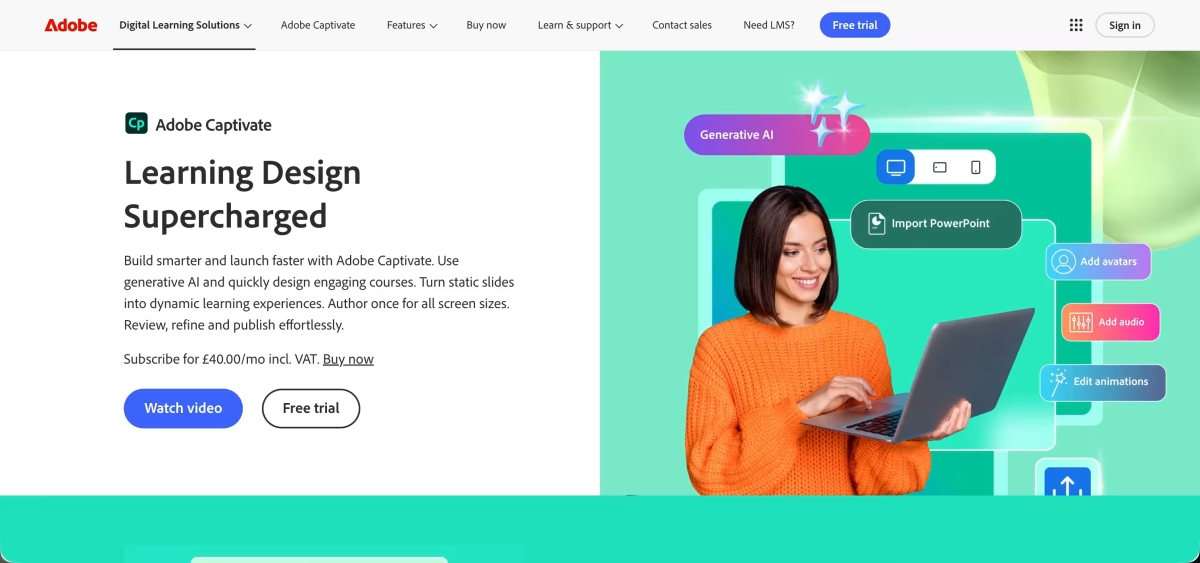
Captivate has always been the tool for software training.
Its core strength is recording an application workflow and turning it into a guided demo, a hands-on practice exercise, or a graded assessment.
The rebuilt version of Captivate adds responsive layouts that reflow across desktop, tablet, and mobile, and your subscription still includes Captivate Classic for older projects.
Adobe Firefly is built in for AI image and text generation. The learning curve is steep, and it rewards people with an instructional design background more than first-time course builders.
Standout features
Software simulations. Records on-screen workflows and converts them into demo, training, and assessment modes, which is still the best implementation of this on the market.
Firefly generation on the canvas. Creates images, character art, and scenario backgrounds from text prompts without leaving the editor, plus AI text rephrasing.
Text-to-speech narration. Converts slide captions into voiceover and regenerates the audio when you edit the script, so software updates do not mean re-recording.
Accessibility tooling. Supports SRT/VTT closed captions, keyboard tab order, and semantic headings to help courses meet Section 508 and WCAG requirements.
Pricing and trial
The individual plan costs $39.99/month in the US and includes 25 monthly generative credits.
AI avatar generation uses premium credits bought separately through Adobe Firefly.
Team and enterprise licences are quoted through Adobe sales, and education pricing is available for eligible institutions.
There is no free plan, but there is a free trial; Adobe shows the exact trial terms when you sign in.
3. iSpring Suite
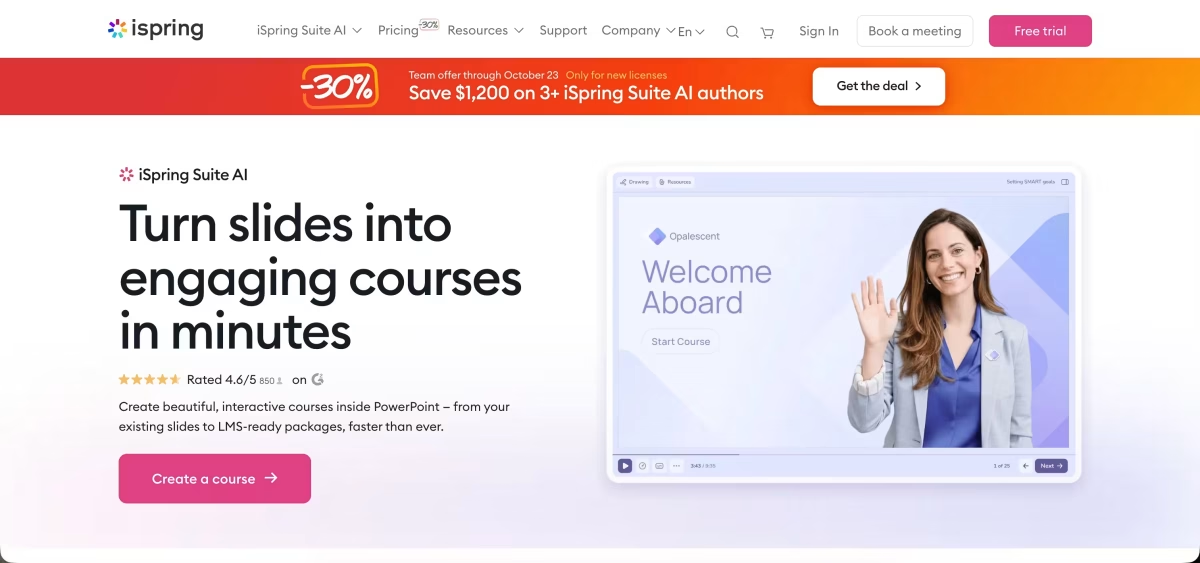
iSpring Suite runs as a PowerPoint add-in, which is its biggest advantage and its biggest limitation.
If your training material already lives in slide decks, it is the fastest route from a deck to a trackable SCORM course, and anyone comfortable in PowerPoint can use it without learning a new interface.
The trade-off is that the desktop app is Windows-only, and your design options are only as flexible as PowerPoint allows.
Standout features
PowerPoint conversion. Keeps slide layouts, animations, and transitions intact when converting to HTML5 and SCORM packages that play on mobile.
14 quiz types. Covers everything from hotspots to sequencing, and the AI assistant can draft questions from your slide content.
Role-play simulations. A dedicated dialogue editor for branching conversations with characters and voiceover, useful for sales and customer service training.
iSpring AI drafting. Generates outlines, lesson text, and assessments from a prompt or an uploaded file.
Pricing and trial
iSpring Suite costs $970 per author/year. iSpring Suite AI, which adds the AI assistant, iSpring Cloud AI, and a large content library, costs $1,290 per author/year.
iSpring Cloud AI on its own, without the PowerPoint add-in, costs $720 per author/year. There is no free plan, but there is a 14-day free trial with full access and no credit card required.
4. Easygenerator
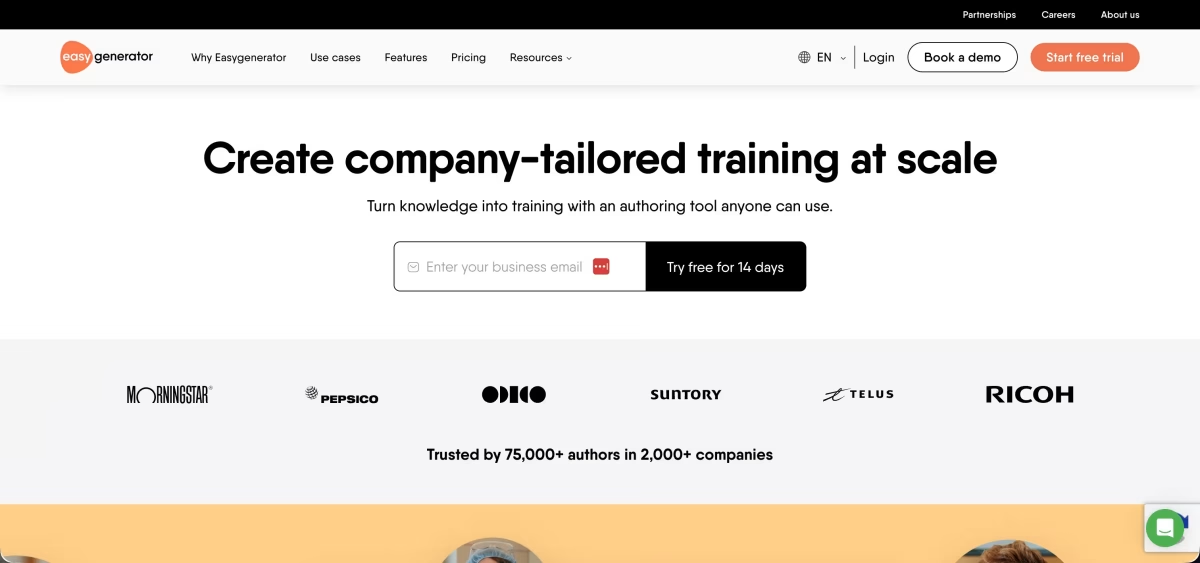
Easygenerator is built for subject matter experts rather than instructional designers.
The idea is that the person who knows the material builds the course, and the software keeps them from making common design mistakes.
Its EasyAI assistant guides authors through structure, objectives, and questions, and the editor flags issues like overloaded pages or misaligned question formats.
It is fully browser-based and includes simple course hosting, so you can share a course by private link without an LMS.
Standout features
EasyAI course drafting. Builds course outlines, suggests learning objectives, summarises source text, and writes assessment questions.
Built-in design guardrails. Warns non-specialist authors when a course breaks good instructional practice, which helps keep quality consistent across a team.
Auto-translation into 75 languages. Translates a master course in a few clicks, though this is sold as an add-on rather than included in the base plans.
Light hosting and tracking. Share courses through private links and see learner results inside Easygenerator, or export SCORM for an external LMS.
Pricing and trial
Easygenerator prices per author, and the published figures vary by region.
On the European pricing page, Pro costs €96/month billed annually (€1,149/year) and covers one author, 10 courses, and 100 learners. Pro also excludes text-to-speech, xAPI, LTI, and certificates.
Team covers up to five authors with unlimited courses and learners, and Enterprise is quote-based.
There is no free plan, but there is a 14-day free trial with full access.
5. Mindsmith
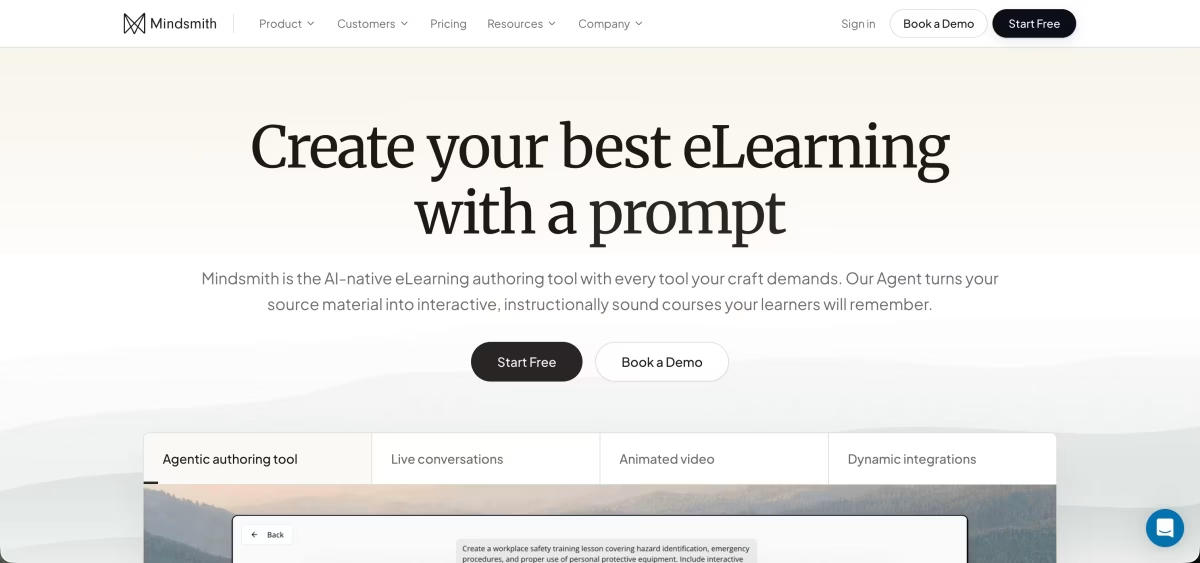
Mindsmith is one of the few tools here that was designed around AI from the start rather than adding it later.
Its AI agent reads your documents, asks clarifying questions about the audience and goals, and then drafts the lesson structure and screens.
It also takes a different approach to delivery: instead of exporting a full course file, it exports a lightweight SCORM package that streams content from Mindsmith's servers.
Edits you make in Mindsmith show up in the LMS right away, but the course stops working if you cancel your subscription, and some locked-down corporate LMS setups block externally hosted content.
Standout features
Agent-led authoring. The AI works through the course with you instead of producing one big draft, which makes it easier to steer.
Source citations. Generated content links back to the documents it came from, so you can check facts before publishing.
AI role-play scenarios. Learners type responses to an AI persona and get graded against a rubric you set, rather than picking from pre-written options.
Dynamic SCORM. One small package in the LMS stays current with every edit, with no re-uploading of ZIP files.
Team collaboration. Live co-editing, version history, and staging are available on the Business plan.
Pricing and trial
Mindsmith has a free plan with 450 one-time AI credits, unlimited content, and link, embed, and SCORM sharing, but every lesson carries a "Built with Mindsmith" badge.
Professional costs $49 per author/month with 2,000 AI credits per month and removes the badge. Business costs $79 per author/month with 5,000 credits, live collaboration, and the ElevenLabs voice integration.
Extra credits cost $30 for 2,000, and educators get 30% off. Annual billing is cheaper than the monthly prices listed here.
6. Coursebox
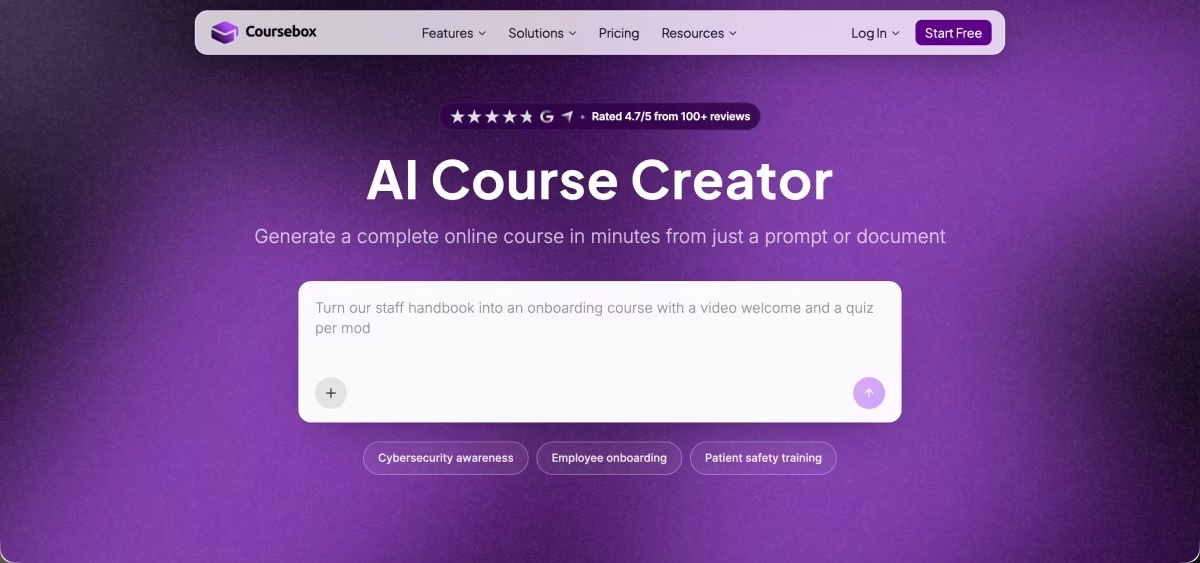
Coursebox pairs an AI course generator with its own learning platform, which makes it the closest thing on this list to the course platforms we usually cover.
You feed it a training guide, slide deck, or video link, and it drafts a full course with lessons, quizzes, and AI video narration.
From there you can host and sell the course on a white-label Coursebox site, or export it to another platform.
The AI output is fast but generic, so plan to edit before anything goes live.
Standout features
Document-to-course generation. Builds a complete course framework from long-form documents, presentations, or public video URLs.
AI tutor and AI grading. Learners get a chatbot that answers questions about the course, and open-ended answers can be graded automatically.
Built-in LMS. Unlimited learners on every plan, with a custom-branded platform, custom domain, and branded mobile app on Pro and above.
SCORM and LTI export. Lets you deliver Coursebox content inside another LMS if you do not want to use its hosting.
Pricing and trial
Coursebox has a free plan with a small one-off allowance of AI credits, unlimited learners, and Coursebox watermarks on all content.
Paid plans run from Creator through Plus, Pro, Business, and Enterprise. Coursebox shows prices in local currency and they vary by country, but Creator starts at around $25/month billed annually in the US, with 500 AI page credits per month.
Pro, the white-label LMS tier, sits considerably higher. There is no separate trial since the free plan covers testing.
7. Colossyan
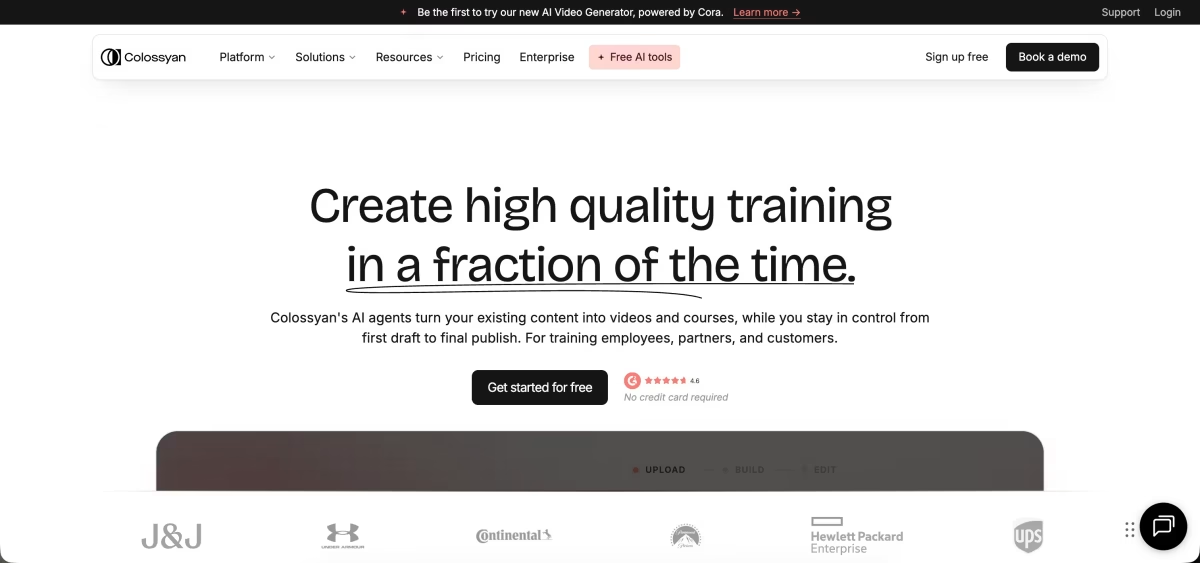
Colossyan is an AI avatar video tool built specifically for training.
You can turn a PDF or presentation into a multi-scene video presented by an avatar, script conversations between several characters, and add branching based on learner choices.
The key difference from Synthesia is that Colossyan includes SCORM export on a self-serve plan, so you can get a tracked, interactive video into an LMS without negotiating an enterprise contract.
Standout features
Document-to-video. Converts slides, PDFs, and written briefs into avatar-led video scenes, which is useful for fast prototyping.
Scenario-based learning. Multi-character conversations that branch based on what the learner chooses at quiz points.
In-video quizzes. Scores report back to your LMS through SCORM, so the video counts as a graded activity rather than just a watch-time stat.
SCORM on a self-serve plan. The Professional plan includes a monthly allowance of SCORM exports.
Pricing and trial
Colossyan restructured its plans in September 2026 and now offers Free, Professional, and Enterprise.
The free plan has limited video minutes and watermarked output.
Professional costs $59/month billed annually or $89 month-to-month, and includes SCORM exports (five per month at the time of writing).
Enterprise is custom-quoted and adds unlimited minutes and SSO. Video minutes are metered on every plan, so check the allowances against how much you plan to produce.
8. Synthesia
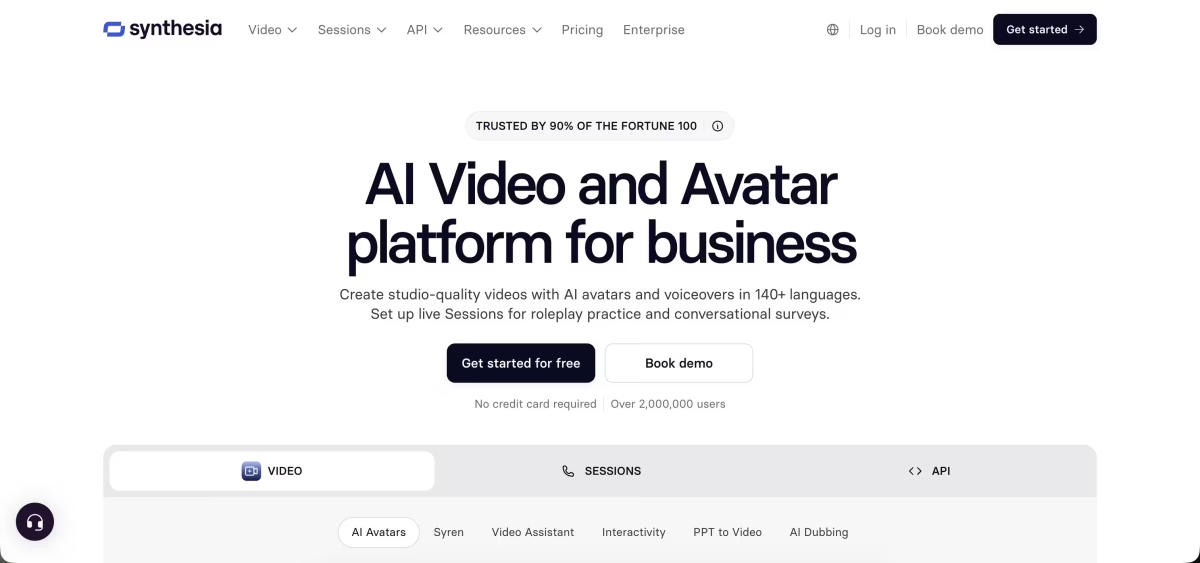
Synthesia is the best-known AI avatar video platform, with the largest avatar library and support for more than 140 languages and voices.
It is strong for presenter-style training videos and localisation. Interactive features like clickable choices and quizzes are on the Pro plan, but SCORM export, SSO, and one-click translation are reserved for Enterprise.
If you need LMS tracking, that is the plan you are pricing.
Standout features
Large avatar library. 125+ stock avatars on Starter, 180+ on Pro, and 240+ on Enterprise.
Personal avatars. Create a digital twin of yourself, with three included on Starter and five on Pro.
Interactive video. Clickable calls to action, branching paths, and in-video quizzes on Pro and above.
AI dubbing. Translates existing videos while keeping the speaker's voice, with optional lip-sync that uses double credits.
Pricing and trial
Synthesia now runs on a shared credit system.
The Basic plan is free and includes 10 minutes of video a month with a watermark.
Starter costs $29/month, or $18/month billed yearly. Pro costs $89/month, or $64/month billed yearly.
Enterprise is custom and is the only tier with SCORM export, SSO, and unlimited video minutes.
A custom studio avatar is a $1,000/year add-on for annual plans. Re-rendering scenes to fix pacing or pronunciation eats into your credits, so the lower tiers run out faster than the minute counts suggest.
9. 7taps
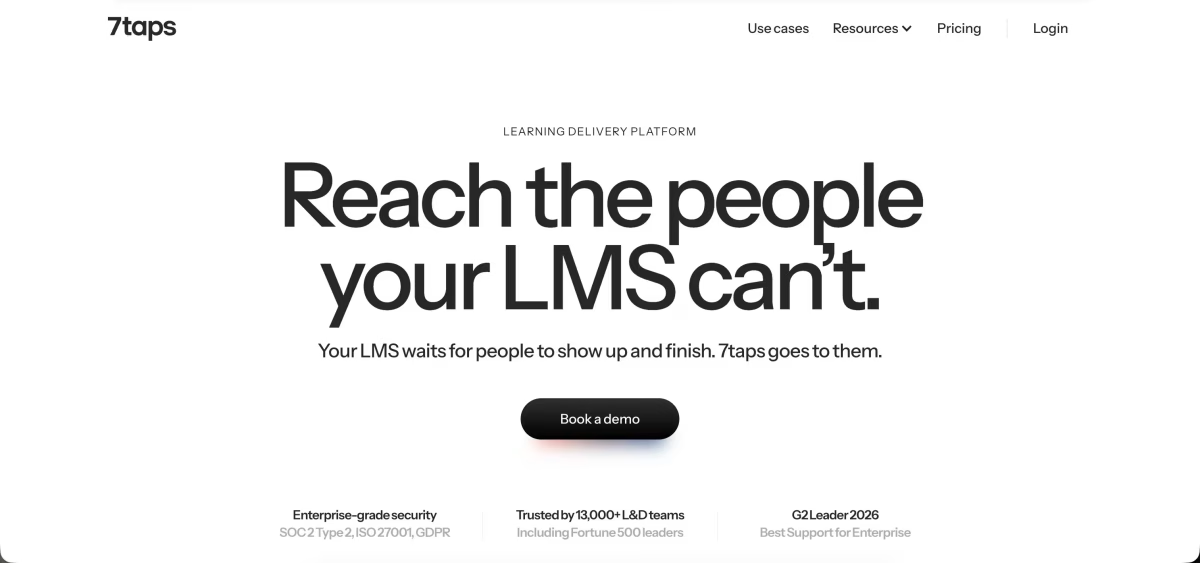
7taps is not a traditional course builder. It produces short, card-based microlearning designed to be completed on a phone in a few minutes, and it is aimed at frontline, retail, and field teams who will never sit through a 45-minute desktop module.
Its AI copilot condenses long manuals or slide decks into card sequences, and you distribute them by link, QR code, email, Slack, or Microsoft Teams rather than through an LMS.
Standout features
AI condensing. Turns long compliance documents or presentations into bite-sized card sequences.
Mobile-first card types. Includes checklists, polls, single-question checks, role-play, and branching cards.
AI video cards. Short avatar video clips inside the card flow, with up to 10 per course on Starter.
LMS-free delivery. Learners open a link or scan a QR code with no login, while SCORM and xAPI are available on Enterprise for teams that need LMS tracking.
Pricing and trial
7taps has a free plan with AI course drafting, unlimited learners, and one shared course.
Starter costs $4,995/year for a single creator seat, unlimited shared courses, 100 AI credits per month, and a learning space for up to 500 people. Enterprise is custom and adds SSO, integrations, and multiple creators.
10. Sana Learn
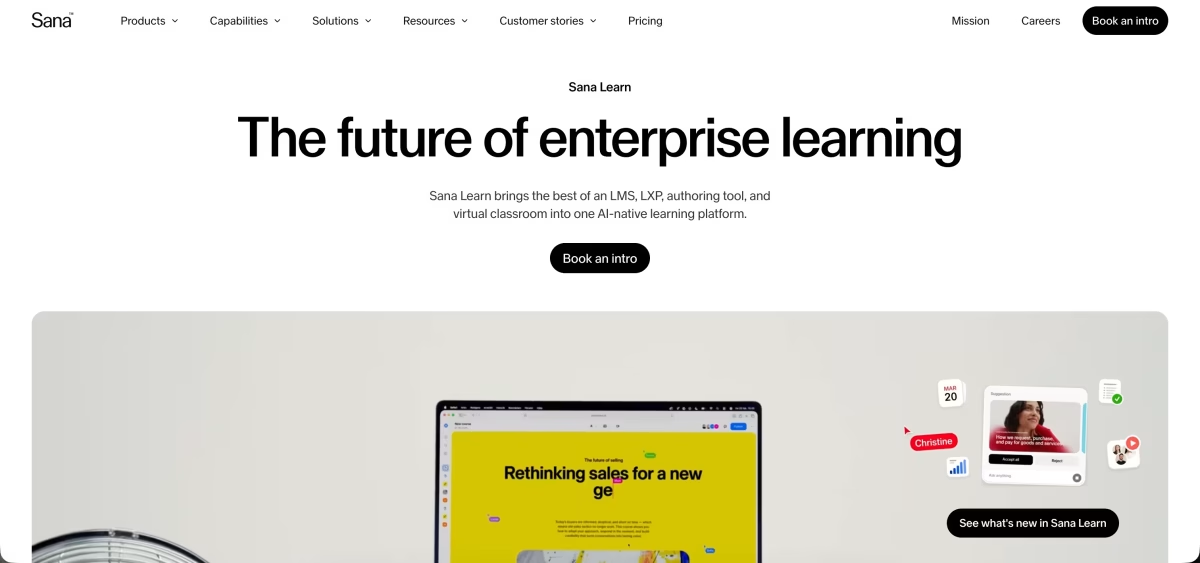
Sana Learn is an AI-native learning platform with authoring built in, rather than a standalone authoring tool. Sana is now owned by Workday.
Its standout capability is connecting to a company's internal knowledge, such as Google Workspace or Microsoft 365, and drafting courses grounded in those documents.
It is enterprise software through and through, and the licence minimum rules it out for creators and small teams.
Standout features
Knowledge-grounded drafting. Pulls from connected company repositories to generate courses based on internal policies and documentation.
Collaborative editor. Multiple authors and subject matter experts can co-edit a course in real time.
Adaptive learning. An embedded AI tutor and personalised paths adjust to how each learner is performing.
SCORM import and conversion. Brings in existing SCORM files, documents, and PDFs and converts them into native Sana courses.
Pricing and trial
Sana Learn is priced per user per month and is quote-only, with a minimum of 300 users. Third-party reports put the Core tier at about $13 per user/month, which works out to roughly $46,800/year before you add anyone.
There is no free plan or self-serve trial; access starts with a sales demo.
